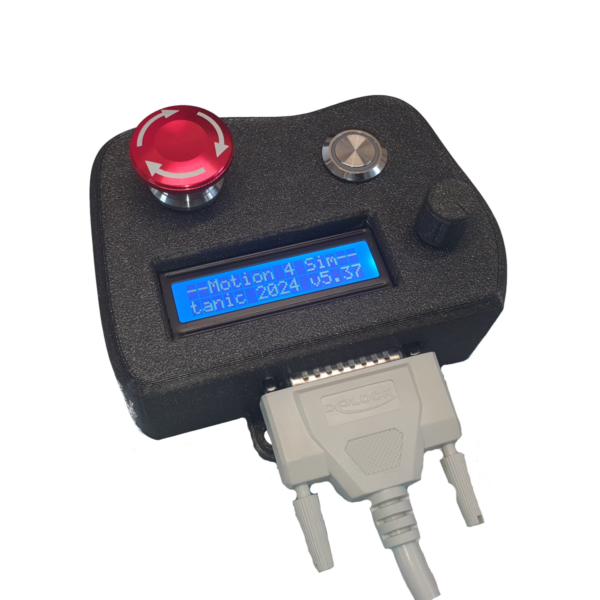
Key Features:
- Mode button for quick switching between operating modes
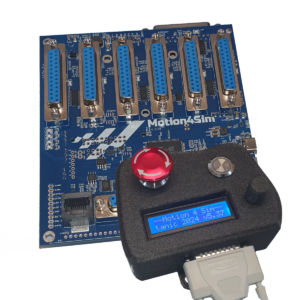
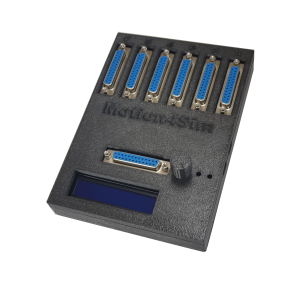
- Comprehensive parameter display for real-time system monitoring
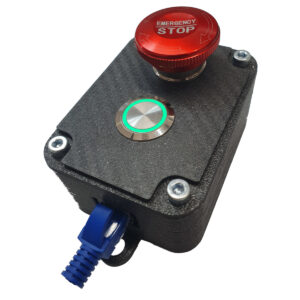
- Dual-LED pushbutton (red / green) for clear visual status indication at a glance
- Rotary encoder with pushbutton for precise system menu navigation
- Safety emergency stop button – anodized metal finish, built to last
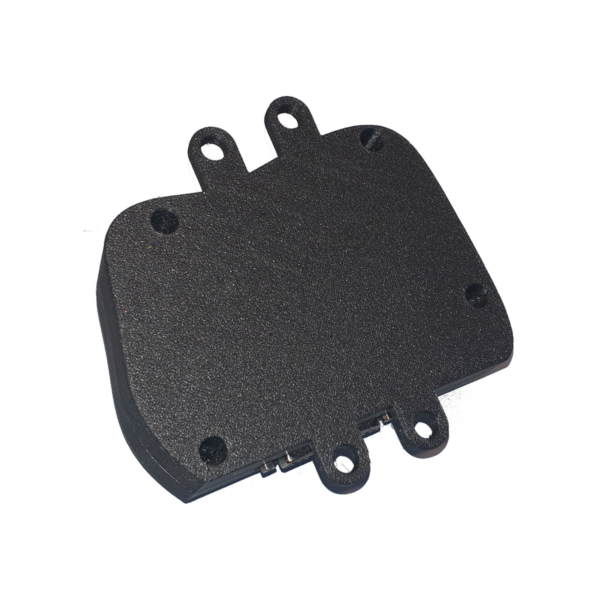
Housed in a robust 3D-printed Galaxy Black enclosure with a premium anodized metal emergency stop button, the unit combines durability with a sleek, cockpit-ready appearance.
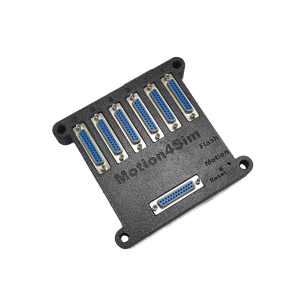
Connectivity is handled via a standard D-Sub 25 cable (up to 5 meters), giving you the flexibility to position the unit wherever it suits your cockpit layout best.
⚠️ Please note: The cable is not included and must be ordered separately.
⚙️ Important Setup Note – Firmware Configuration Required
This Hand Control Unit uses a momentary pushbutton for the mode function. Previous versions of the Motion4Sim Hand Control Unit used a toggle switch.
If you are upgrading from an older unit or performing a factory reset, you must update the following setting in the setup menu:
Online Switch → set to „Momentary NC”
⚠️ The factory reset restores the legacy toggle switch setting for backwards compatibility. Always verify this setting after a factory reset.